Shopify vs WooCommerce vs Wix: Which Platform Fits Your Budget in India?


Published On: September 22, 2026
Choosing between Shopify vs WooCommerce vs Wix is less about finding the cheapest advertised plan and more about understanding where each platform puts the cost.
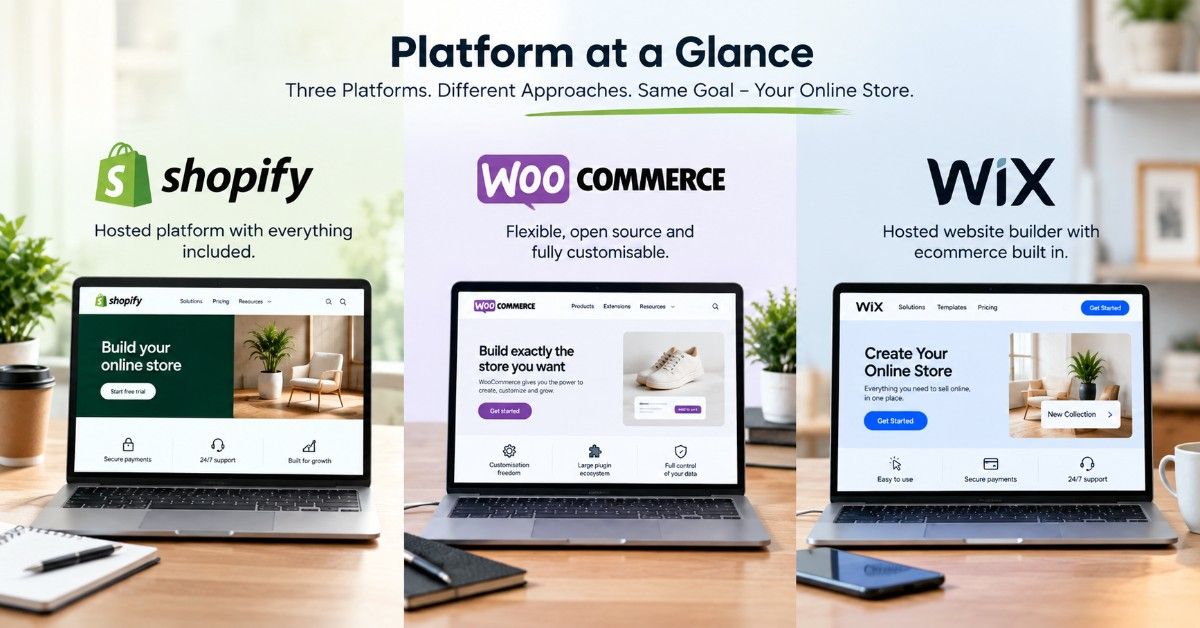
Shopify bundles hosting and core platform maintenance into a subscription. WooCommerce does not charge for the core plugin, but you need your own hosting and may pay for extensions, maintenance, or development. Wix is also hosted, with ecommerce available on plans that support online payments.
For an Indian small business, the right choice usually comes down to four things: how complex the store will be, which payment gateway you need, how much customisation you expect, and who will maintain the site after launch.
If predictable platform costs and less server maintenance matter most, Shopify deserves a close look. If you already use WordPress and want deeper control, WooCommerce can make more sense. Wix is worth considering when you want a hosted website builder with standard ecommerce features and less technical upkeep.
This comparison looks beyond the monthly subscription and compares the costs that show up after launch: hosting, apps or plugins, payment fees, maintenance, development, and future migration work.
Shopify vs WooCommerce vs Wix: Quick Answer
Shopify is easier to budget when you want hosting and platform maintenance handled for you. WooCommerce has no core software fee, but hosting, plugins, and maintenance are separate costs. Wix combines hosting and website-building tools in one platform and supports ecommerce on eligible paid plans. The cheapest option depends on the features, payment setup, and technical support your store needs.
How We Compared Shopify, WooCommerce and Wix
We compared the three platforms using the factors that affect a store after launch: platform fees, hosting, payment setup, product management, maintenance responsibility, customisation, and migration effort.
Platform features and pricing were checked against official Shopify, WooCommerce, and Wix documentation. Cost examples in this guide are planning examples rather than guaranteed vendor quotes because app fees, hosting, payment charges, and development requirements vary from one store to another.
We also work with businesses outside India, so we regularly see how requirements change when stores need international payments, different currencies, integrations, or more complex workflows.
“We got our e-commerce website developed by this web development company and the experience was amazing! The design is user-friendly, mobile responsive, and super fast. Great team support, on-time delivery, and very affordable. Highly recommended for online store development!”
Gitanjali Das, Kolkata · Read the Google review
We also build for overseas brands. That shows us how each platform behaves for Indian and international buyers, and that is why the advice below is practical, not theoretical.
Last checked: 22 September 2026.
What Is the Quick Answer?
Here is the short version. The details follow.
| Factor | Shopify | WooCommerce | Wix |
|---|---|---|---|
| Platform type | Hosted ecommerce platform | Open-source WordPress ecommerce plugin | Hosted website and ecommerce platform |
| Hosting | Included | Purchased separately | Included |
| Core platform cost | Paid subscription | Core plugin is free | Paid plan needed to accept online payments |
| Product capacity | Unlimited products | Depends mainly on hosting and site architecture | Up to 50,000 products |
| Maintenance | Shopify manages platform infrastructure | Store owner, host or developer manages WordPress environment | Wix manages platform infrastructure |
| Custom development | Themes, apps and APIs | Deep code and server-level control | Visual tools, apps and Velo development |
| Best budget question to ask | How many paid apps will I need? | What will hosting and maintenance cost? | Will my required workflows fit the platform? |
Shopify currently lists unlimited products and hosting in its plans. Wix currently documents up to 50,000 store products, so product count alone cannot justify calling Wix a “tiny catalogue” platform.
Platform prices change often. Treat every figure in this guide as a planning range, and check the official pricing page before you pay.
How Should a Small Business in India Choose an Ecommerce Platform?
Start with the way you actually plan to operate the store. Price matters, but so do maintenance, payments, product updates, and the amount of technical support available when something goes wrong.
Ask yourself four questions first:
- How many products will I list in the first year?
- Who will update the store: me, my staff, or an agency?
- Will I sell only in India, or abroad too?
- What happens if my checkout breaks at 9 pm on a Saturday?
That last question decides more platform choices than any feature list. We call it the Saturday Night Test, and we will come back to it.
Which Is Cheaper in Shopify vs WooCommerce vs Wix?
WooCommerce can have a lower platform cost because the core plugin is free, but the final expense depends on hosting, premium plugins, maintenance, and developer support. Shopify has a recurring subscription, but hosting, security, and core platform maintenance are handled for you.
The cheaper option therefore depends on how much technical work you are comfortable handling yourself.
Which Platform Can Cost Less for a Startup in India?
A note on pricing: Separate the platform’s published fee from your implementation budget. A subscription price is not the total cost of ownership. Themes, apps or plugins, payment processing, maintenance, and custom work can change the first-year cost considerably
| Cost area | Shopify | WooCommerce | Wix |
|---|---|---|---|
| Core platform | Basic currently starts at ₹1,499/month when billed yearly in India | Core WooCommerce plugin is free | E-commerce requires an eligible paid plan |
| Hosting | Included | Separate | Included |
| Domain | Separate unless included through another offer | Separate | Some annual plans may include a first-year domain offer |
| Apps / plugins | Optional; paid apps can increase monthly cost | Free and paid extensions available | Free and paid apps available |
| Maintenance responsibility | Lower infrastructure involvement for merchant | Hosting, WordPress, and plugin maintenance need management | Platform infrastructure handled by Wix |
| Payment cost | Gateway charges plus applicable Shopify third-party provider fee | Payment provider charges | Payment provider charges |
WooCommerce itself confirms that the core software is free/open source, while hosting and infrastructure depend on the store setup. Source https://woocommerce.com/download/
Wix also says pricing can vary by geographical location, so hardcoding an India amount without verifying the live regional checkout can age badly. Source https://support.wix.com/en/article/wix-premium-plan-pricing?
How Does Shopify vs WooCommerce Cost Change Over Three Years?
Over three years, the difference is usually less about the initial subscription and more about maintenance. Shopify tends to make ongoing platform costs easier to predict. WooCommerce can remain inexpensive when the site is well maintained, but hosting upgrades, premium plugins, or occasional development work can make costs less predictable.
Here is a three-year picture for a store doing about 30 orders a day:
| Three-Year View | Shopify | WooCommerce | Wix |
|---|---|---|---|
| Predictability | High | Low to medium | High |
| Repair risk | Low | Medium | Low |
| Cost of leaving | Medium | Low | High |
| Best cost profile | Steady, all-in | Low fees, variable repairs | Cheap until you outgrow it |
Plugin conflicts are one of the maintenance issues WooCommerce owners may encounter, particularly when several third-party plugins are responsible for checkout, payments, or shipping. Keeping plugins updated and testing changes before major sales periods reduces that risk.
Do Not Ignore the Cost of Maintenance
Platform fees are only part of the cost of running an ecommerce site. Also consider who will update plugins, solve checkout problems, manage backups, improve site speed, and deal with integrations.
If your team can handle those tasks internally, WooCommerce can remain very cost-effective. If you prefer the platform provider to handle more of the infrastructure, Shopify may be easier to budget for.
What Are the Real Pros and Cons of Each Platform?
Here is an honest look at all three.
When Does Shopify Make Sense for an Indian Business?
Shopify is a practical option for businesses that want to spend less time managing hosting, security, and platform updates. It is especially useful when the person running the store is not highly technical or when the business expects to add products, campaigns, and integrations over time.
What works well:
- A clean dashboard that staff learn in a day
- Fast, secure checkout
- A large app store for reviews, upsells, and shipping
- Strong dropshipping support
- Smooth handling of festive-sale traffic spikes
What to watch:
- Monthly fees run whether you sell or not
- Apps add up quickly
- Third-party payment gateways may carry extra transaction fees, so check your plan
- Deep customisation needs a developer
When Is WooCommerce the Better Fit?
WooCommerce is worth considering when you already use WordPress, want more control over the website, or need custom functionality that may be harder to achieve inside a hosted platform.
The trade-off is responsibility. Hosting, backups, security, plugin compatibility, and performance need to be managed properly, either by you or by someone technical.
What works well:
- No monthly platform fee
- Total design freedom
- Excellent blogging and SEO control
- Many Indian hosting options
- Thousands of plugins
What to watch:
- You manage hosting, backups, and security
- Cheap hosting makes the store slow
- Plugin conflicts can break checkout
- Nobody to call when something fails, unless you hire an agency
When Is Wix Enough for an Online Store?
Wix can be a good fit for a straightforward store where ease of use matters more than deep customisation. A small business can build pages, add products and manage basic ecommerce features without spending much time learning the technical side of the platform.
As requirements become more complex, such as advanced integrations, highly customised checkout flows or larger operational workflows, it is worth comparing Wix carefully with Shopify and WooCommerce before committing long-term.
What works well:
- Very easy to learn
- Hosting and security included
- Attractive templates
- Fast launch
What to watch:
- The bigger limitation is usually workflow flexibility, not catalogue size; Wix currently supports up to 50,000 store products.
- Highly customised checkout, back-office, or integration requirements should be checked before committing.
- Wix provides standard SEO controls, including editable metadata, canonical URLs, image alt text and product structured data, but WooCommerce offers more server-level technical control.
- Moving platforms later still requires product, customer, order, and URL migration planning.
- Confirm your preferred Indian payment gateway is supported before you commit
Shopify vs WooCommerce vs Wix: Which Has Better Features?
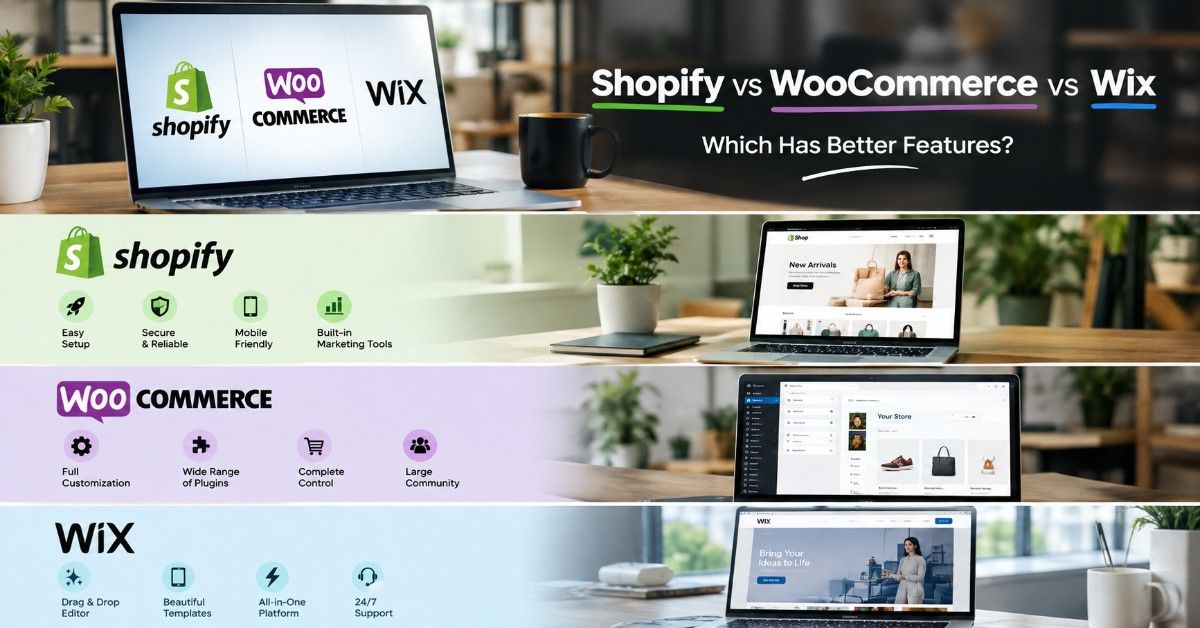
Features decide how easily your store grows. Here is a plain comparison.
How Do WooCommerce vs Shopify Features Compare?
WooCommerce vs Shopify features come down to control versus convenience. WooCommerce gives you control. Shopify gives you convenience.
| Feature | Shopify | WooCommerce | Wix |
|---|---|---|---|
| Product variants (size, colour) | Strong | Strong | Good |
| Abandoned cart recovery | Built-in on paid plans | Plugin needed | Higher plans |
| Blogging and content SEO | Basic | Excellent | Good |
| Multi-currency selling | Built-in tools or apps | Plugin needed | Some plans |
| Owner mobile app | Yes | Limited | Yes |
| Speed out of the box | Fast | Depends on hosting | Good |
| Developer flexibility | High | Very high | Low |
Planning to sell abroad? Shopify’s multi-currency tools help. Planning to publish lots of buying guides? WooCommerce’s WordPress base helps.
What Does a WordPress Ecommerce Plugin Actually Do?
A WordPress ecommerce plugin turns a normal website into a store. WooCommerce is the most popular one. It adds product pages, a cart, checkout, and order management.
This suits shops that already have a blog they like. You add selling without starting over.
How Does an Online Store Builder Comparison Look for Non-Technical Owners?
For a non-technical owner, the differences are fairly clear. Wix puts simplicity first, Shopify reduces much of the technical maintenance involved in running a store, while WooCommerce gives you greater control if you are comfortable managing WordPress or working with a developer.
How Do Payments Work on Each Platform in India?
Payments make or break checkout. Indian buyers expect UPI, cards, net banking, wallets, and cash on delivery.
What Should You Know About Payment Gateway Integration in India?
Payment gateway integration in India works differently on each platform. Razorpay, PayU, Cashfree, CCAvenue, and PhonePe come up most often.
- Shopify: Supports many Indian gateways through its payment settings or apps. Check the extra fee that applies to third-party gateways on your plan.
- WooCommerce: Has plugins for nearly every Indian gateway. You pay only the gateway’s own charges.
- Wix: Several Indian payment providers are currently supported, including Razorpay, PayU India, Cashfree Payments, PayPal, Easebuzz, Airpay, and Nimbbl. Check the current provider list before launch because availability and supported payment methods can change.
Whichever you pick, place a live UPI order and a COD order before launch. We do this on every store we ship.
India note: Shopify Payments is not currently listed among Shopify Payments-supported countries, so Indian merchants should check the available third-party providers and the additional transaction fee for their Shopify plan.
Can You Offer Cash on Delivery?
Yes, on all three. COD is still a large share of orders in many categories, especially outside metro cities. Add a small COD fee or a minimum order value to cut fake orders.
Which Is the Best Dropshipping Platform India Sellers Can Start With?
For most beginners, Shopify is the strongest dropshipping platform India sellers can use. Its app store connects to suppliers, forwards orders, and tracks shipments.
WooCommerce also supports dropshipping through plugins. It costs less but needs more setup. Wix works too, with fewer supplier options.
Here is a rule from our projects. Launch with 10 to 15 tested products, not 500 random ones. Big untested catalogs bring returns, bad reviews, and wasted ad money.
What Is the Real Shopify Store Setup Cost?
Shopify store setup cost has two parts. You pay Shopify for the platform, and you pay a builder to set it up properly.
Typical ranges for an Indian small business:
- DIY setup with a free or low-cost theme: ₹0 to ₹5,000, plus your time
- Professional setup with a custom look: ₹25,000 to ₹80,000
- Advanced store with custom features and integrations: ₹80,000 to ₹2,50,000+
Professional setup covers theme customisation, product upload, payments, shipping, policy pages, tracking, and basic SEO. It also protects you from the small mistakes that quietly cost sales in month one.
Which Platform Is Best for an Online Store in India If You Sell to Mobile Shoppers?
The best platform for online store India sellers is one that loads fast on a mid-range Android phone. Most of your buyers browse on mobile, often on a weak network.
Shopify themes are built mobile-first and load quickly by default. WooCommerce can match that, but only with good hosting and a light theme. Wix looks fine on mobile but can feel heavier with many design effects.
Test your store on a real phone, on mobile data, before you launch. Do not trust the desktop preview.
Should You Hire a Shopify Development Company?
Hire one if you want your store live fast and working correctly. Skip it if you enjoy learning and have the time.
Three Store Scenarios Where the Right Platform Changes
A platform that works well for one business can be the wrong choice for another. The difference usually comes down to how the store operates, who manages it, and what the business expects to add later.
Scenario 1: An Instagram-Led Fashion Store
A small fashion brand already sells through Instagram and WhatsApp but wants a proper checkout, organised order management, and a store that does not require regular server maintenance.
In this situation, Shopify may be easier to manage. Hosting and core platform maintenance are handled within the platform, and the owner can focus more on products, orders, and marketing instead of maintaining the technical side of the website.
The cost question here is not only the Shopify plan. The business should also check which paid apps it actually needs for reviews, shipping, discounts, social selling, or other functions before calculating the first-year budget.
Scenario 2: An Existing WordPress Website Adding Ecommerce
A business already has a WordPress website with useful blog content, search visibility, and an internal team that understands WordPress. Now it wants to start selling products without rebuilding the entire website on another platform.
WooCommerce can make sense in this case because e-commerce can be added to the existing WordPress setup. The business keeps its current content structure while gaining control over products, checkout, extensions, and custom development.
The trade-off is maintenance. Hosting quality, backups, plugin updates, security, and compatibility need to be managed properly. WooCommerce can have a low platform cost, but the business still needs to budget for the technical side of running the store.
Scenario 3: A Design-Led Small Business With Standard Ecommerce Needs
A small home, lifestyle or service-led brand wants a polished website, a manageable product catalogue and a straightforward online checkout. The team wants to update pages themselves and does not need a highly customised back-office system.
Wix can be a practical option when those requirements fit its built-in ecommerce tools and available integrations. Hosting and platform maintenance are handled within Wix, while the visual editor makes everyday content changes easier for a non-technical team.
Before committing, the business should check its payment gateway, shipping setup, required integrations, and any future custom workflows. If those requirements are likely to become complex, comparing Wix with Shopify or WooCommerce before launch can avoid a difficult migration later.
What These Scenarios Show
The cheapest platform on day one is not always the cheapest platform to run over time.
A business with limited technical support may value predictable maintenance more than a lower software cost. A WordPress-based business may benefit from keeping its existing content and infrastructure. A smaller team with straightforward ecommerce needs may care more about ease of editing than deep custom development.
That is why Shopify vs WooCommerce vs Wix should be compared against the way your store will actually operate, not just the advertised monthly price.
How Do You Choose Between Shopify vs WooCommerce vs Wix?
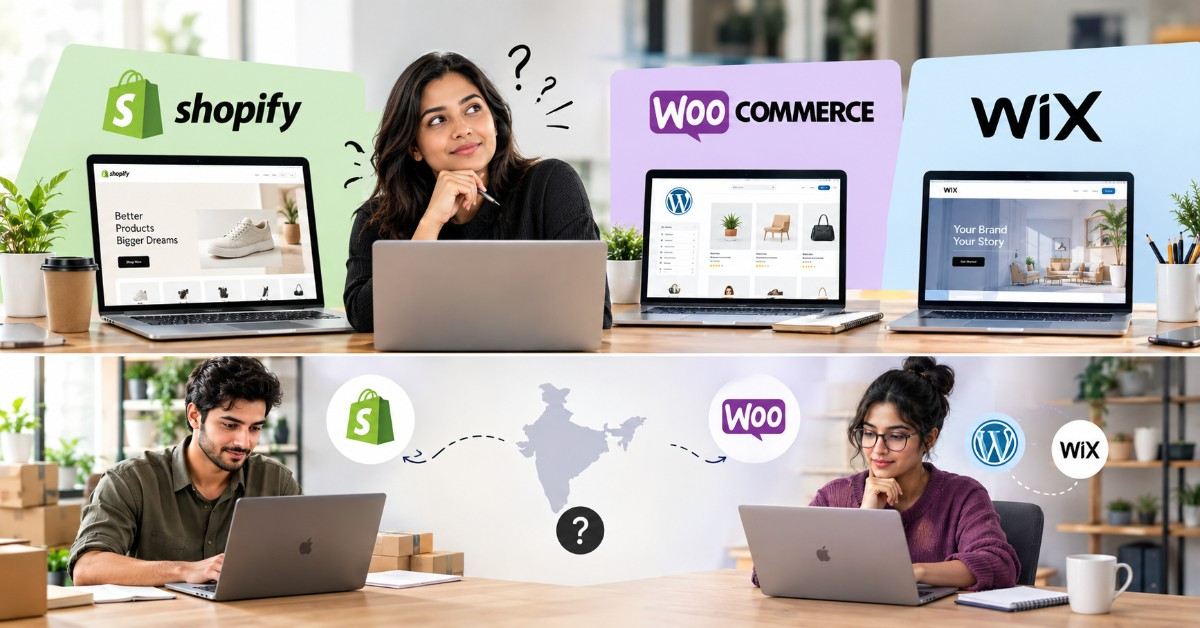
Use this two-minute guide.
Choose Shopify if:
- You want a store that runs smoothly with little technical work
- You plan to dropship or scale fast
- You sell on Instagram and want easy social selling
Choose WooCommerce if:
- You already have a WordPress site or blog
- You have a developer or agency you trust
- You want full control and the lowest long-term platform fees
Select Wix if:
- You want a hosted builder without managing your own server
- Your ecommerce workflow fits Wix’s built-in tools and available integrations
- Design and day-to-day editing need to be manageable by a non-technical team
- You have checked that your preferred payment and operational integrations are supported
Is WooCommerce vs Shopify India Really a Close Call?
For many local sellers, yes. WooCommerce vs Shopify India is the decision most shop owners actually face, because Wix usually serves as the starter option.
The real choice is low upfront cost with WooCommerce or low-stress operation with Shopify. No technical help? Lean Shopify. Have it? WooCommerce may save money.
Does an Ecommerce Website Builder Comparison India Change for Bigger Catalogs?
Catalogue size alone should not decide the platform. Wix currently supports up to 50,000 products. For a larger store, compare the work behind those products: variants, bulk editing, inventory integrations, fulfilment rules, APIs, checkout requirements, and reporting. Operational complexity is usually a better deciding factor than the raw product count.
Which Ecommerce Platform Is Best for Small Business If You Are Still Stuck?
Which ecommerce platform is best for small business owners who feel stuck? Start with Shopify. Use the trial, learn how selling works, and add complexity later.
Leaving Wix later is harder than starting on Shopify. That alone spares many owners a rebuild.
What Is the Saturday Night Test?
Here is the test we give every client before they choose. Picture it: 9 pm, Saturday, festive sale live, and checkout stops working.
Now answer three questions:
- Who do I call?
- How fast will they answer?
- What will it cost me?
On Shopify, the platform team and your app support handle most issues. For WooCommerce, you call your developer or host, so make sure you have one. On Wix, you rely on Wix support, which is reliable but not tailored to your store.
If you cannot answer these questions, you are not ready to launch on that platform. Fix that first.
What Mistakes Do Indian Sellers Make When Picking a Platform?
We see the same errors again and again.
- Choosing by price alone. The cheapest option often costs more in lost sales.
- Ignoring mobile shoppers. Test on a mid-range Android phone.
- Weak product photos. Bad images kill conversion on any platform.
- Skipping shipping setup. Connect a courier partner such as Shiprocket before launch.
- No return or COD policy. Buyers leave when they cannot find these.
- Launching without tracking. Install analytics and a pixel from day one.
- Cheap hosting for WooCommerce. A slow site loses buyers before they see a product.
Fixing these matters more than the platform you pick.
How Do You Launch Your Store? (Step by Step)
Follow these steps on any platform.
- Pick your platform using the guide above.
- Register your domain. Keep it short and easy to spell.
- Choose a clean theme. Skip fancy effects that slow the page.
- Add 10 to 20 products with clear photos and honest descriptions.
- Set up payments. Connect UPI, cards, and COD.
- Configure shipping. Add courier rates and delivery timelines.
- Write your policy pages. Cover returns, refunds, shipping, and privacy.
- Place three test orders with different payment methods.
- Connect analytics and your Google Business Profile.
- Launch, then message your first 50 customers personally.
How Will Your Platform Choice Look in Two Years?
Think ahead. That view often changes the answer.
- Year one: Speed and simplicity matter most.
- Year two: Email flows, reviews, and marketing tools matter more.
- Year three: Custom features, integrations, and inventory sync take over.
Shopify vs WooCommerce vs Wix plays out differently at each stage. Wix fits year one. Shopify fits years one to five for most sellers. WooCommerce fits owners who want deep customisation over time.
We prepare a Shopify vs Wix vs WooCommerce comparison sheet for clients. It maps your products, budget, and growth plans against all three. It takes about 30 minutes on a call, and it is free.
Final Thoughts: Which Platform Should You Pick?
Shopify, WooCommerce, and Wix put ecommerce costs in different places. Shopify bundles more of the platform infrastructure into a subscription. WooCommerce gives you more ownership and technical control, but hosting and maintenance become your responsibility. Wix keeps hosting and site management together and can work well when its e-commerce workflow matches the business’s needs.
Before choosing, price the store you actually plan to run—not the cheapest advertised plan. Add the platform fee, hosting where required, payment costs, paid apps or plugins, maintenance, and the custom work you already know you will need
Need Help Choosing the Right Ecommerce Platform?
Not sure whether Shopify, WooCommerce, or Wix fits your store? Please tell us what you sell, how many products you plan to manage, which payment methods you need, and what you want to spend.
The team at 99Graphics Design can review your requirements and help you compare the practical costs of each option before you commit to a platform.
Get a free platform consultation and project quote.
📞 Call or WhatsApp: +91 96744 83249
📧 Email: avijit@99graphicsdesign.com
📍 Office: 42/1 Dum Dum Road, Kolkata – 700074
🌐 Website: 99graphicsdesign.com
Talk to 99Graphics Design before you build, so you know what the platform will cost to launch, maintain, and grow.

Ready for
Digital Transformation?